AquaCubby articles
How AquaCubby Helps You Track Your Aquarium Like a Pro
Discover how AquaCubby helps aquarium and pond keepers log water tests, track fish history, and get AI answers — all in one place. Start today.
By Josh K From AuqaCubby
Josh has been an aquarium and pond enthusiast for over 35 years. He brings his love for aquaculture and experience to others
Reviewed by Josh K., Aquarium and pond enthusiast for over 35 years
Key Takeaways
- AquaCubby centralizes water test logs, fish records, equipment history, and AI advice in one aquarium app.
- Tracking water parameter trends over time is the single most powerful way to prevent mysterious fish deaths.
- AquaCubby's AI can analyze water test photos and answer care questions — a feature most competing apps lack.
- The community forum inside AquaCubby lets you ask real hobbyists questions alongside AI-powered guidance.
- Suitable for freshwater, tropical, saltwater, and pond setups — not just reef tanks.
What Is AquaCubby and Why Does Aquarium Tracking Matter?
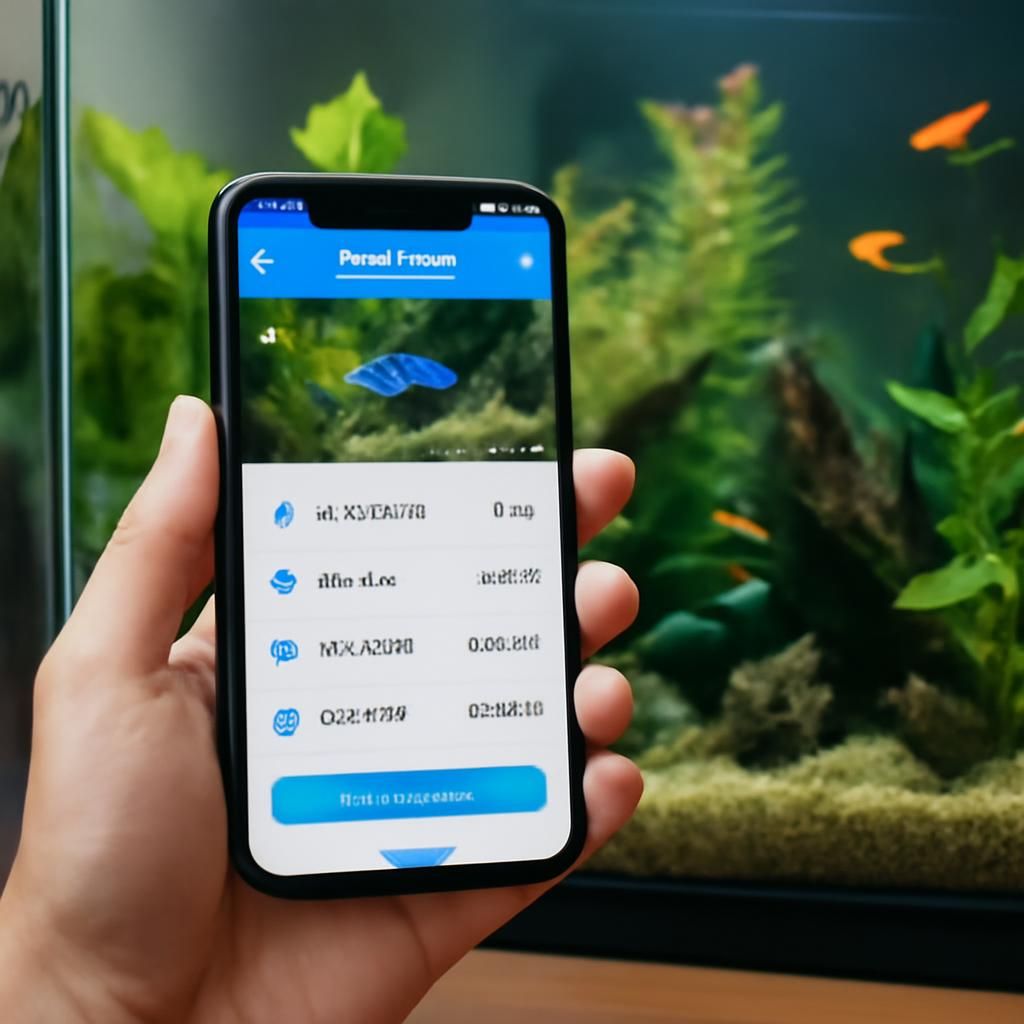
AquaCubby is an all-in-one aquarium and pond tracking app designed to give hobbyists a professional-grade record of everything happening in their tank — water parameters, fish health, equipment upkeep, and more — without the chaos of scattered notes and forgotten test results. Whether you're cycling your first freshwater aquarium, managing a thriving tropical community tank, or dialing in a complex saltwater reef, having organized, time-stamped data is what separates fish that thrive from fish that mysteriously disappear.
The aquarium hobby is one of the most widely practiced in the world — Wikipedia notes that fishkeeping is among the most popular hobbies globally, with millions of households keeping ornamental fish. Yet most hobbyists still track water tests on scraps of paper, phone notes, or not at all. That gap is exactly the problem AquaCubby is built to solve.
The Core Problem: Why "Eyeballing It" Costs You Fish
Aquarium water chemistry doesn't fail dramatically — it drifts. Ammonia creeps up by 0.1 ppm each week. Alkalinity in a reef tank slides down between water changes. pH swings between morning and evening without any obvious sign until a fish starts gasping. Without a written log of your test results over weeks and months, you cannot see a trend until it becomes a crisis.
This is the underlying cause of what the hobby calls "mysterious fish deaths" — fatalities that feel random but are almost always the product of an invisible, gradual parameter shift that nobody tracked. AquaCubby's aquarium tracking app is specifically built around this insight: log consistently, see the trends, intervene before the crisis point.
What AquaCubby Actually Does — Feature by Feature
Water Test Logging and Trend Visualization
Every time you test your water — pH, ammonia, nitrite, nitrate, phosphate, salinity, alkalinity, calcium, or any other parameter — AquaCubby lets you record the result instantly. Over time, those individual readings become a trend line. You can see at a glance whether your nitrate is slowly climbing between water changes, whether your pH is stable, or whether your reef tank's alkalinity is drifting lower after switching supplements.
This trend view is the feature that most separates AquaCubby from a basic spreadsheet or a notes app. A spreadsheet shows you numbers; AquaCubby shows you a pattern, and patterns are what reveal problems early.
AI-Powered Water Test Analysis
One of AquaCubby's most distinctive capabilities is its built-in AI that can analyze photos of your water test results. Take a photo of your API or Salifert test card, upload it to AquaCubby, and the AI reads the color results and adds them to your log — removing the guesswork of comparing test tube colors to a paper chart under inconsistent lighting. The AI can also flag when a result looks outside the healthy range for your specific tank type and suggest next steps.
This is a concrete improvement over general aquarium apps that record whatever number you manually type in. Manual entry is only as accurate as the human interpreting the test. AquaCubby's photo analysis adds a second layer of interpretation that catches misreads.
Fish and Livestock Records with Photos
AquaCubby gives each fish or group of livestock its own profile — species name, date acquired, source, any treatments administered, and a photo gallery. This matters more than it sounds. When a fish starts showing symptoms, the ability to pull up its history (when it was last treated, what it was treated with, how long it's been in the tank) is exactly the context your vet or a fellow hobbyist needs to help you diagnose the issue accurately.
For reef keepers tracking dozens of coral frags, or pond owners monitoring multiple koi, the livestock record function removes the mental load of trying to remember which fish came from which store and when.
Equipment and Maintenance Reminders
Filters, protein skimmers, UV sterilizers, heaters, dosing pumps — every piece of equipment in an aquarium has a maintenance schedule, and almost nobody tracks it reliably. AquaCubby lets you log each piece of equipment, record the last service date, and set reminders for filter media changes, bulb replacements, impeller cleaning, and similar tasks.
In practice, this prevents the second most common cause of tank crashes: equipment failures that went unnoticed because nobody remembered the last time they cleaned the impeller or checked whether the heater was still cycling correctly.
Community Forum and Human Q&A
AquaCubby includes an integrated community where you can post questions and get answers from experienced hobbyists. This is the complement to the AI assistant — because while AI is excellent at interpreting data and explaining principles, sometimes you need someone who has personally kept that specific species, run that specific equipment, or dealt with that exact symptom to weigh in.
The combination of AI-generated insight and human community knowledge inside the same app is unusual among aquarium tracking tools and is one of AquaCubby's clearest advantages over single-purpose apps.
AI Assistant for Care Questions
Beyond water test photo analysis, AquaCubby's AI assistant answers care questions directly. You can ask things like "what should my salinity be for a clownfish pair," "how do I lower nitrate in a 55-gallon planted tank," or "is this nitrite reading dangerous during a cycle" — and get a contextual, specific answer. This is particularly useful for beginners who are overwhelmed by the volume of conflicting advice online, and for experienced hobbyists who want a quick second opinion without digging through forum archives.
Which Tank Types Does AquaCubby Support?
AquaCubby is designed to be tank-agnostic. Its tracking and AI features work across:
- Freshwater aquariums — community tanks, planted tanks, species-only setups
- Tropical aquariums — cichlid tanks, biotope setups, breeding projects
- Saltwater and reef aquariums — fish-only, FOWLR, and full reef systems with coral
- Ponds — koi ponds, water gardens, and mixed pond setups
This breadth is important because most competing apps skew toward reef tracking or freshwater tracking but not both. If you run multiple tanks of different types — which many dedicated hobbyists do — AquaCubby handles all of them under one account.
How AquaCubby Compares to Other Aquarium Tracking Apps
| Feature | AquaCubby | Generic aquarium apps | Spreadsheet / notes |
|---|---|---|---|
| Water parameter trend view | ✅ Yes | Varies | Manual only |
| AI water test photo analysis | ✅ Yes | Rare | ❌ No |
| Fish/livestock photo history | ✅ Yes | Some | ❌ No |
| Equipment maintenance reminders | ✅ Yes | Some | Manual only |
| Integrated community Q&A | ✅ Yes | Rarely integrated | ❌ No |
| AI care question assistant | ✅ Yes | Emerging | ❌ No |
| Freshwater + saltwater + pond | ✅ All three | Usually one focus | Flexible but unstructured |
Getting Started: What to Log First
If you're setting up AquaCubby for the first time, prioritize these steps to get value quickly:
- Create your tank profile — size, type (freshwater, reef, pond), substrate, filtration. This context shapes the AI's recommendations.
- Log your current water parameters — even a single baseline reading is more useful than no data at all. Take a photo of your test card and let AquaCubby's AI read it for you.
- Add your livestock — create a profile for each species with the acquisition date and a photo if possible.
- Record your equipment — list your filter, heater, lights, and any dosing equipment, and enter the last date you serviced each one.
- Test and log weekly — the trend data only becomes meaningful after three to four weeks of consistent entries. Set a reminder in the app.
The hardest part of any tracking habit is the first two weeks. After that, the data starts answering questions you didn't know you were asking — and that's when AquaCubby becomes genuinely indispensable.
Frequently Asked Questions
Is there a free aquarium app for tracking water parameters?
Several aquarium apps offer free tiers, including AquaCubby. Free access typically covers essential water parameter logging, basic livestock records, and community access. Premium features — such as AI water test photo analysis and advanced trend reporting — may require an upgrade depending on the plan you choose.
What is the best app for tracking reef aquarium parameters?
For reef aquariums specifically, the best tracking app is one that supports the full range of reef-critical parameters — alkalinity, calcium, magnesium, phosphate, and salinity — alongside trend visualization. AquaCubby covers all of these and adds AI photo analysis of test results, which is especially useful for reef hobbyists who test frequently and need accurate reads on Salifert or Red Sea test kits.
What is the best aquarium app for iPhone?
The best iPhone aquarium app depends on what you need: if you want parameter logging only, several simple apps do the job. If you want AI-powered analysis, livestock history, equipment reminders, and community access in one place, AquaCubby is one of the most complete options available on iOS for both freshwater and marine setups.
What is the best app for tracking aquarium maintenance tasks?
AquaCubby addresses maintenance tracking directly by letting you log each piece of equipment and set reminders for service intervals. This is the specific feature most basic parameter-logging apps skip — they record what's in the water but don't track whether your protein skimmer was last cleaned three months ago.
Can AquaCubby help with a new aquarium setup or cycling?
Yes. During the nitrogen cycle — the most critical and often most confusing phase for new aquarists — daily ammonia, nitrite, and nitrate logging in AquaCubby lets you see the cycle progressing as a visual trend. The AI assistant can also answer specific cycling questions, which is particularly useful for new hobbyists navigating conflicting advice about fishless cycling versus fish-in cycling.
When to Lean on the Community vs. the AI
AquaCubby's AI is best for interpreting data, explaining principles, and answering clearly defined care questions. Use it when you want an immediate, data-driven answer — "is this ammonia level safe," "what does this nitrite reading mean during week two of a cycle."
The community is best when the situation is nuanced, behavioral, or highly specific — "my betta is flaring at his reflection and refusing to eat since I added a new decoration, what could be wrong" is a question that benefits from a human who has kept bettas and seen this specific behavior. Neither resource replaces the other; together they cover nearly every question a hobbyist encounters.
Start Tracking Before Your Next Water Test
The single best time to start logging your aquarium data is before you have a problem. Once a tank crashes or fish begin dying, the absence of historical data makes it nearly impossible to identify the cause with confidence — and much harder to prevent it from happening again. AquaCubby gives you the tools to build that record from your very next water test: log it, photograph the test card, add it to your trend graph, and let the data do the work of keeping your aquarium healthy over the long term.
Whether you're keeping a 10-gallon tropical planted tank, a 120-gallon saltwater reef, or a backyard koi pond, the professional approach to aquarium care is the same — track everything, spot trends early, and ask good questions. AquaCubby is built specifically to help you do all three.
Published by AquaCubby.